Best Practices
Who Has the Camera This Week?
Shared Camera Kits at Agencies
Shared camera kit booking for agencies: make each kit a calendar resource, book pickup to return, and put one display at the gear room door.
Short answer: Make each camera kit a calendar resource in Google Workspace or Microsoft 365 and book it from pickup to return, like a room. The calendar then answers "who has it?" for every kit. If one kit is always contested, put a display such as The Room Display at the gear room door showing that kit's calendar. One iPad shows one kit, so the rest stay calendar-only.
Every agency with more than one shooter has the same Monday conversation. "Who has the FX3?" "I think Sam took it to the client." "Sam's off until Wednesday." Then someone digs through Slack for twenty minutes. This post is about ending that conversation.
Why "who has the camera?" is a calendar problem
Before I wrote software, I worked as a production technician in film and TV. The first booking tool I ever built was a Google Form at a production company, mostly so we'd stop arguing about cameras. It worked better than the whiteboard, but it had no conflict checking. Two people could book the same kit for the same day, and the form happily said yes to both.
Your calendar already solves that. Google Workspace and Microsoft 365 both let you create resources that aren't rooms, and a resource declines a booking that overlaps an existing one. A camera kit booked from Tuesday 8 am to Thursday 10 am simply isn't available to anyone else in that window. The kit's calendar shows who booked it, which is the answer to the Monday question.
Per kit, per item, or one pool?
The biggest setup decision is what counts as one bookable thing.
| Approach | Example | Good at | Weak at |
|---|---|---|---|
| One resource per kit | "Kit A: FX3, 24-70, 4 batteries, cage" | Matches how people actually shoot | Swapping a lens between kits breaks the label |
| One resource per item | "Body 1", "24-70 #2", "Shotgun mic 3" | Precise | People forget to book the batteries |
| One pool resource | "Camera pool" | Simple for identical gear | Can only be booked once at a time, so it doesn't fit a pool of three |
| Calendar plus checkout software | Barcodes, serials, condition notes | Inventory and damage tracking | Another tool and another subscription |
For most agencies, one resource per kit wins. A kit is the unit people take out the door. Book the body and its accessories together, put a label on the case that matches the resource name, and you've removed the "I took the camera but not the batteries" problem.
How to set it up in 6 steps
- List your kits. Write down what's in each case. If two kits are identical, still give them separate names ("Kit A", "Kit B").
- Create the resources. In Google Workspace, add each kit under Buildings and resources with a category like "Other" and a custom type such as "Camera". In Microsoft 365, you can use equipment mailboxes for calendar-only kits. An equipment mailbox is a resource mailbox for a thing rather than a space. If a kit should also have a display, create it as a room mailbox instead (more on that below).
- Set who can book. Producers and shooters book. Everyone else can see availability.
- Book pickup to return. If the shoot is Tuesday, the booking runs from Monday afternoon prep to Wednesday morning return. The calendar should cover the whole time the kit is gone.
- Put the booking on the shoot invite. Add the kit to the same event as the shoot, like you'd add a room. When the shoot moves, the kit moves with it.
- Label the cases. The resource name on the calendar and the label on the case must match.
Where a display helps, and where it doesn't
A display on every Pelican case would be silly. Nobody stands in front of a shelf of cases wondering about kit C. They check the calendar from their desk. For most kits, the calendar alone does the job, and I said the same in room booking for creative agencies.
There are two cases where a screen earns its place:
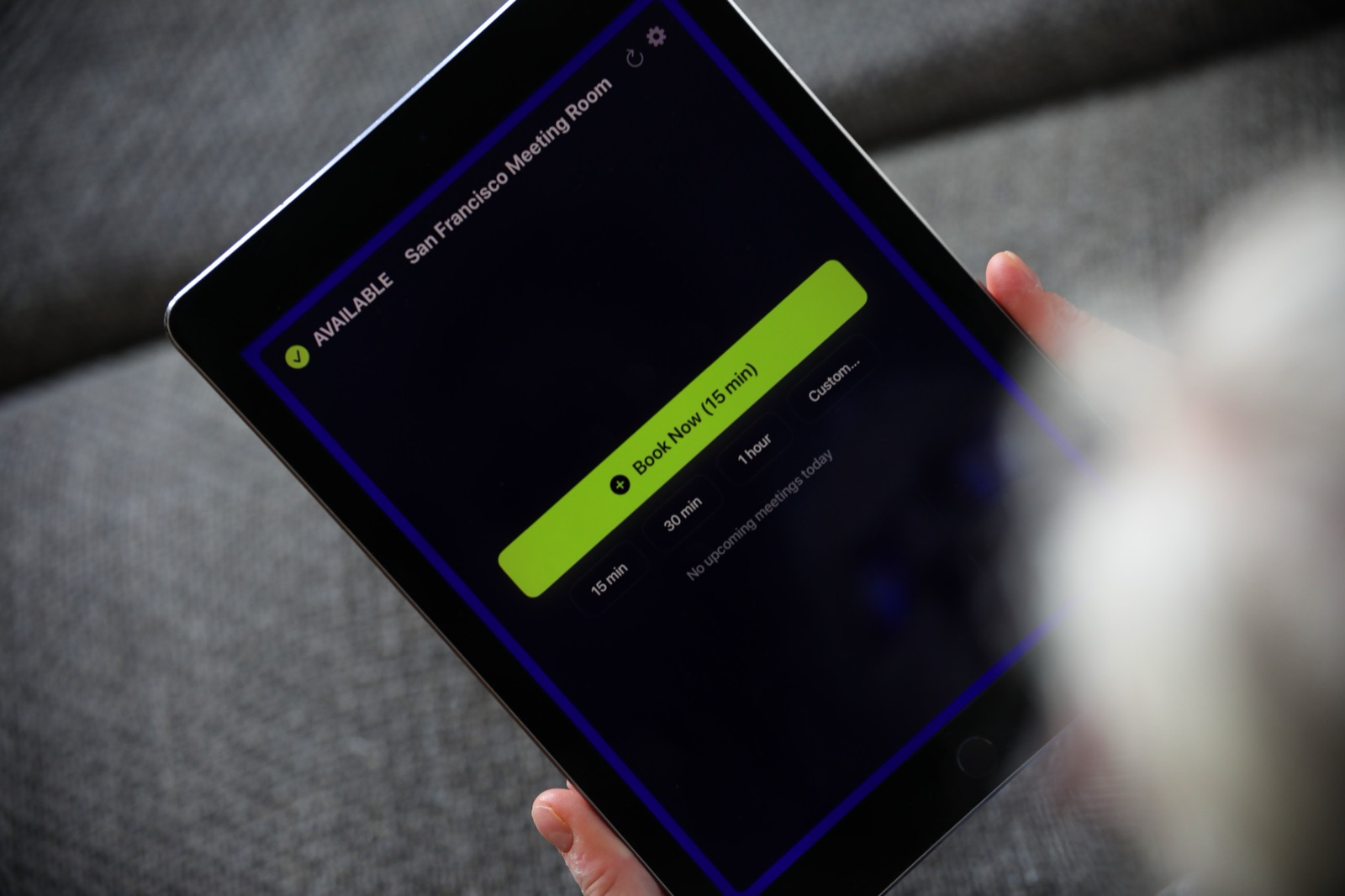
- One contested kit. Every agency has a hero kit: the A-cam everybody wants. Mount an iPad at the gear room door, point it at that kit's calendar, and set the lookahead to "next 7 days". Anyone walking past sees "Kit A: In use until Wed 10:00, Sam" and the next bookings this week.
- The gear room itself. If the gear room doubles as a prep space where people check batteries and pack cases, make the room a resource and put its calendar on the door. Then people book 30 minutes of prep time and stop tripping over each other.
Pick one. One iPad shows one resource calendar. It doesn't show every kit on one screen, and I'd rather tell you that now than after you've bought a mount. If you need the display to point at a kit on Microsoft 365, the kit has to be a room mailbox, because the app only discovers room mailboxes. Many admins create hero gear as room mailboxes for this reason. I covered the difference in Microsoft 365 equipment mailboxes. On Google Workspace, any resource category can be picked in the app.
Check-in as a pickup confirmation
Here's a use I like. The Room Display has optional check-in. When a booking starts, the screen asks someone to tap to check in. If nobody does within 5, 10 or 15 minutes, the booking is released. On Microsoft 365, check-in needs Direct Room Access, which an admin grants to the iPad's account.
On a hero kit display at the gear room door, that tap becomes the pickup confirmation. You booked Kit A from 9 am, so you tap in when you collect it. If you never show up, the kit frees itself and the next shooter can grab it. Set the timeout to 15 minutes, because pickups run late.
People can also book the hero kit on the spot. Someone who needs it for a 1-hour interview taps "1 hour" at the door, and the booking lands in the kit's calendar. Multi-day bookings still go through Google Calendar or Outlook.
The app costs $99 per iPad, once, with no subscription, and runs on any iPad with iPadOS 15 or later. Dedicated panels typically cost $400 to $1,300 each plus $8 to $42 per month, which is a lot of digital signage for a camera shelf.
The part a calendar can't do
The calendar knows when a kit should be back. It doesn't know if it is. Make returns someone's job:
- The person who booked it returns it, charged, by the end time on the booking.
- If a kit comes back damaged or missing a part, it's noted on the event and the studio manager is told the same day.
- If a shoot runs long, the booker extends the booking in the calendar before the end time, not after.
That's the whole system. It's boring on purpose.
When The Room Display isn't the right fit
- You need serial numbers, barcodes or condition reports. That's checkout or rental software. The display doesn't track items.
- You want one screen showing all your kits. The app shows one resource per iPad. There's no overview screen.
- You bill clients for gear. No invoicing or rental charges.
- Your gear room has no power or Wi-Fi at the door. The iPad needs both, all the time.
Frequently asked questions
How do I track who has the camera?
Make each camera kit a calendar resource and book it from pickup to return. The kit's calendar shows who booked it and until when. Anyone in your Google Workspace or Microsoft 365 account can check from their desk.
Can one display show all our camera kits?
No. One iPad shows one resource calendar. Book every kit in the calendar, and put a display only on the one kit everybody fights over, or on the gear room itself.
Should camera kits be equipment mailboxes or room mailboxes in Microsoft 365?
Equipment mailboxes are fine for calendar-only booking. If you want a kit on a door display, create it as a room mailbox, because The Room Display only discovers room mailboxes.
Should we book camera gear per kit or per item?
Per kit, for most agencies. A kit is what people take out the door, and booking it as one resource stops anyone leaving without the batteries.
Related guides
- Rooms, Cars, Cameras: If It Has a Calendar, It Can Have a Display
- Room Booking for Creative and Event Agencies: Client Rooms, Edit Suites and War Rooms
- How to Set Up Microsoft 365 Room Mailboxes for Meeting Room Management