Best Practices
Auditorium, Gym and Music Rooms
Sharing Big Spaces
Stop double-booking the auditorium and gym. Make every shared space bookable in your calendar, with a display at the door. 50% off for schools with 20+ iPads.
The auditorium, gym and music rooms are the spaces every department wants and nobody owns. The fix is to make each one bookable in the calendar everyone already uses, and put a display at the door. Drama, PE, choir and the PTA all see the same schedule, and double-bookings show up before the day, not at the door.
Who owns the auditorium?
In most schools, the honest answer is "whoever booked it with the person who keeps the paper calendar". Drama needs it for rehearsals. The principal needs it for assemblies. The band needs it for a concert run-through. The PTA wants it for an evening meeting. Without one shared schedule, someone always loses.
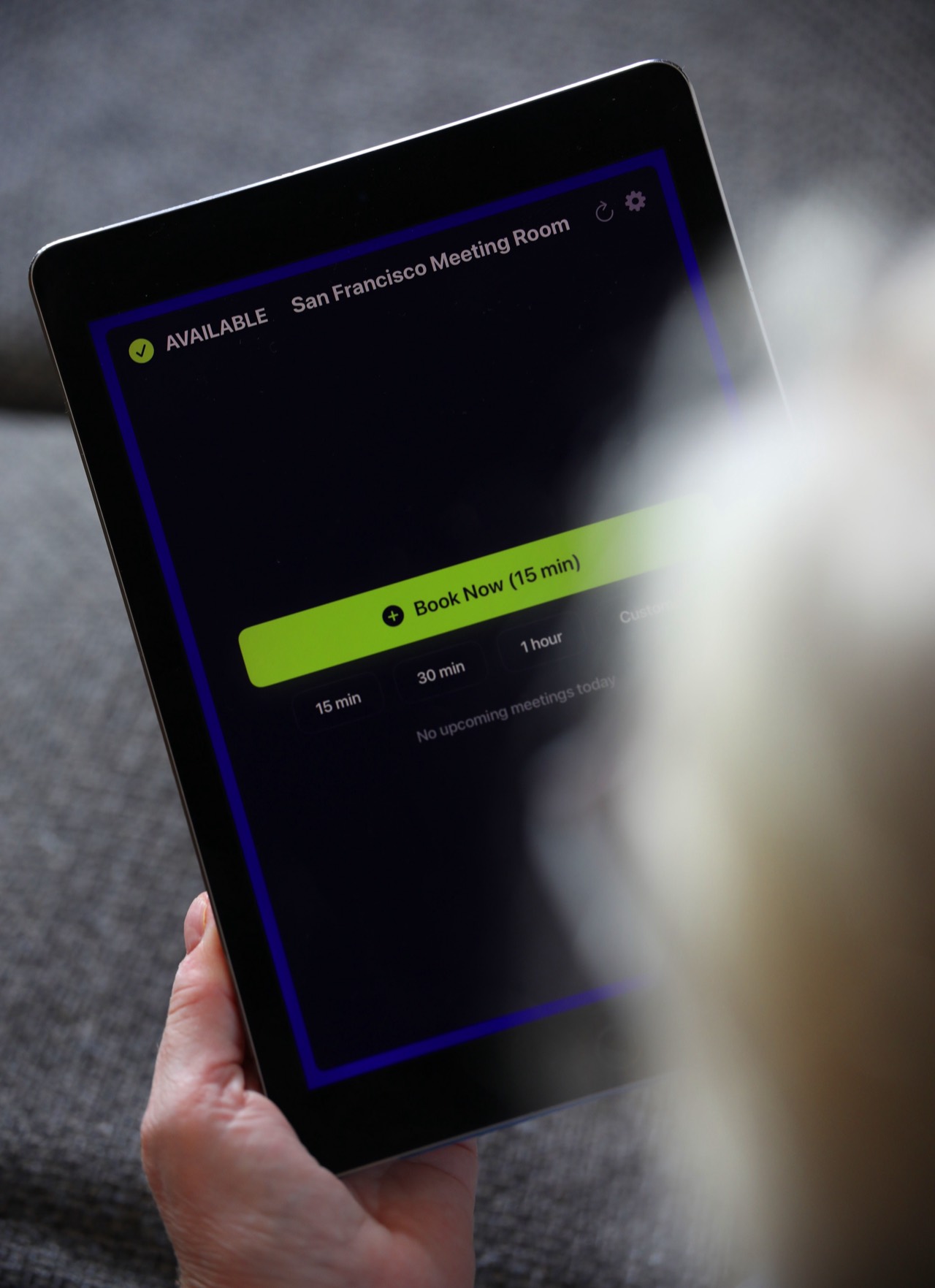
Make big spaces bookable like any room
- One resource per space. The auditorium, main gym, auxiliary gym, band room, choir room and practice rooms each become a bookable resource in Google Workspace or Microsoft 365.
- One schedule for everyone. Staff check availability when they create a calendar event, so clashes show up right away.
- A display at the door. Coaches, teachers and visiting groups see who has the space now and who's next.
- Practice rooms on demand. A free music practice room can be booked right from the display, for the next half hour.
The big spaces are the ones worth protecting from walk-up bookings. Anyone at a display can book a free slot on the spot, which is great for practice rooms. For the auditorium, block rehearsals and events well ahead so the calendar is full when it matters. The same goes for testing weeks, when the gym often turns into an exam hall. See how to schedule exam rooms in testing season.
After hours, too
Evening events, sports practice and community groups use the same spaces. When those bookings live in the same calendar, the custodial team and front office can see what's on tonight without chasing emails. Set the display to show the next 24 hours, and tonight's bookings are on the door all afternoon.
What it costs
A performing arts wing, two gyms and a handful of practice rooms is already close to ten displays. Add study rooms and meeting rooms, and most schools pass 20 quickly.
Frequently asked questions
Can outside groups see the schedule?
Anyone at the door can see what's booked. Calendar access for booking ahead still follows your Google Workspace or Microsoft 365 permissions.
Can we put a display in a big space like a gym?
Yes. Mount the iPad by the entrance, where people decide whether to walk in. Keep it out of the way of stray balls, or use a locking enclosure.
How do we get the 50% school discount?
Buy 20 or more licenses in a single order in Apple School Manager. Apple applies the discount at checkout.
Related guides
- Room Booking for K-12 Schools: The 2026 Guide
- Best iPad Wall Mounts for Conference Rooms
- Where to Mount a Meeting Room Display: Placement That Actually Works