Best Practices
Surviving Testing Season
Exam Rooms Without the Chaos
Book testing rooms, small-group spaces and makeup sessions in advance, and show which rooms are in use on every door. 50% off for schools with 20+ iPads.
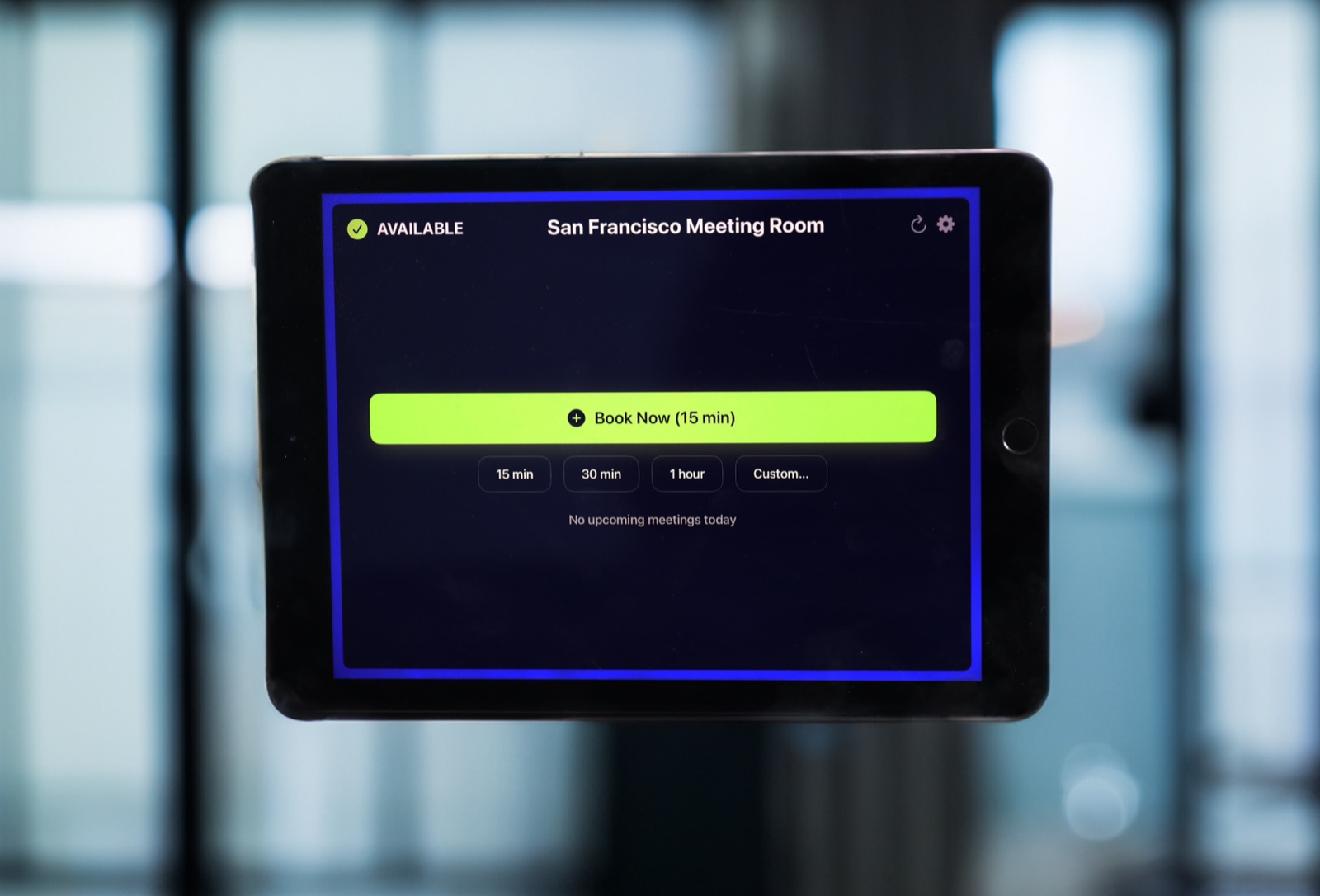
Testing season works best when every testing room is booked in advance in the school calendar, and every door shows what's happening inside. A room display outside each testing room tells staff the room is in use and when it frees up, so nobody walks into the middle of an exam.
Why testing weeks are so hard on rooms
For a few weeks a year, every space is suddenly in demand. You need the main testing rooms, small-group rooms for accommodations, quiet spaces for makeup sessions, and somewhere for the device carts. Normal classes still need somewhere to go. A schedule on a shared drive can't keep up with all the last-minute swaps.
A simple setup for testing season
- Book everything early. Block testing rooms and accommodation rooms as calendar events weeks ahead, using your normal Google Workspace or Microsoft 365 rooms.
- Put a display on every testing room. Anyone in the hallway sees the room is in use and when the session ends.
- Book the carts too. Device carts can be bookable resources in the same calendar, reserved for the same sessions. Here's how that works for things that aren't rooms.
- Handle the swaps fast. When a room changes, update the booking. The display refreshes every 30 seconds, so there's no sign to reprint.
Use a plain title for testing events, like "Testing in progress". Whatever the title says is what the door shows, so keep student names and accommodation details out of it.
The small win that matters
The door display sounds minor until you've had someone open a door during a timed exam. A clear "Until 11:30" on the door is the cheapest way to protect a quiet testing room.
What it costs
And after testing season, the displays go back to everyday booking for meetings and study rooms. You're not buying a testing tool you use for three weeks.
Frequently asked questions
Can we book several rooms for one testing session?
Yes. Add every room to the calendar event, and each room's display shows the booking.
What if a session runs late?
Extend the event in the calendar, and the display updates within 30 seconds.
How do we get the 50% school discount?
Buy 20 or more licenses in a single order in Apple School Manager. Apple applies the discount at checkout.
Related guides
- Room Booking for K-12 Schools: The 2026 Guide
- Library Study Rooms and Makerspaces That Run Themselves
- Buffer Time Between Meetings: How to End the Back-to-Back Room Handover Mess