Best Practices
Pitch Week
Keeping the War Room From Double-Booking
Pitch war room booking for agencies: block the room for pitch week, protect confidential boards, avoid the check-in trap, and handle two pitches at once.
Short answer: Book the pitch war room as daily blocks from kickoff to pitch day, owned by the pitch lead, with a neutral title and the event marked private. Turn check-in off on that room's display, or someone must tap in each morning. A door display such as The Room Display then tells everyone the room is taken all week, without showing the client's name.
Pitch week is when an agency finds out how its rooms really work. The war room fills up with boards, printouts and half-eaten pizza. Then on Wednesday at 10 am, a recurring finance meeting walks in, because it was booked in that room eight months ago and nobody checked.
What makes pitch week different
I wrote a broader guide to room booking for creative agencies. This one zooms in on a single week and a single room, because pitch week breaks normal booking habits in four ways:
- The room becomes a workspace. Strategy, creative and account teams camp in it for days. The walls are covered. You can't "lend it out for an hour" because you can't tidy it in an hour.
- The content is confidential. The client's name, the concept and sometimes the competitor's name are on the walls and in the event title.
- Old bookings get in the way. Recurring meetings booked months ago still hold the room.
- Two pitches collide. Busy agencies often run two pitches in the same month, and both teams want the same room.
A war room is a meeting room taken over by one project for a fixed period, with the work left on the walls between sessions.
One big block or daily blocks?
How you book the week decides most of what happens next.
| Approach | How it looks in the calendar | Good at | Watch out for |
|---|---|---|---|
| One block, Monday to Friday | One event across five days | Simple to create | One cancellation frees the whole week; check-in releases all of it if nobody taps in |
| Daily blocks, 8 am to 7 pm | Five events, one per day, same title | Each day can be adjusted; nights and evenings free up for others | Slightly more setup |
| Session bookings only | Rehearsals and reviews booked one by one | Room stays shared | Walls must be cleared after each session, which doesn't work for a pitch |
| Separate rooms per pitch | Each pitch team gets its own room | No fighting | Needs two rooms that can be locked or left messy |
My pick is daily blocks. Create a daily recurring event from kickoff to pitch day, 8 am to 7 pm, with the room attached. If the pitch is canceled on Wednesday, you delete the rest of the series, and the room is free Thursday morning.
How to set it up in 7 steps
- Pick the owner. The pitch lead or producer owns the booking. Their name is on it, and they're who people ask.
- Clear the room first. Before booking, open the room's calendar and look for recurring meetings in pitch week. Ask those organizers to move, then book. Booking over them doesn't work, because the room resource declines conflicts. My post on stopping meeting room hoarding covers how to deal with old recurring holds.
- Book daily blocks. One recurring event, 8 am to 7 pm, kickoff to pitch day.
- Use a neutral title. "Pitch: Project Juniper", not "Pitch: [client name] rebrand". Pick a code name at kickoff.
- Mark it private. Set the event to private in Google Calendar or Outlook. The Room Display then shows "Private Meeting" instead of the title. The code name is the backup if someone forgets.
- Handle check-in. See the next section.
- Book the dress rehearsal in the real pitch room. If the client is coming to you, rehearse in the actual room, at the actual time of day, at least once.
The check-in trap
Check-in is one of the most useful features on a busy door. When a booking starts, the display asks someone to tap to check in, and if nobody does within 5, 10 or 15 minutes, the booking is released. It's how ghost meetings stop holding rooms. I explain it in meeting room check-in, explained. On Microsoft 365, check-in needs Direct Room Access, which an admin grants to the iPad's account.
In pitch week, it can bite. Say the war room is booked as one five-day block and nobody taps in at 8 am Monday, because everyone's in a kickoff two floors down. The booking is released. The whole week.
Two ways to avoid it:
- Turn check-in off on the war room display for pitch season. It's a setting on that iPad (or a managed setting through MDM), and the rest of your rooms keep it.
- Keep check-in on, use daily blocks, and make tapping in part of the morning routine. The first person in taps the screen. If nobody turns up on a given day, that day frees up, which is often what you want.
What the door display adds
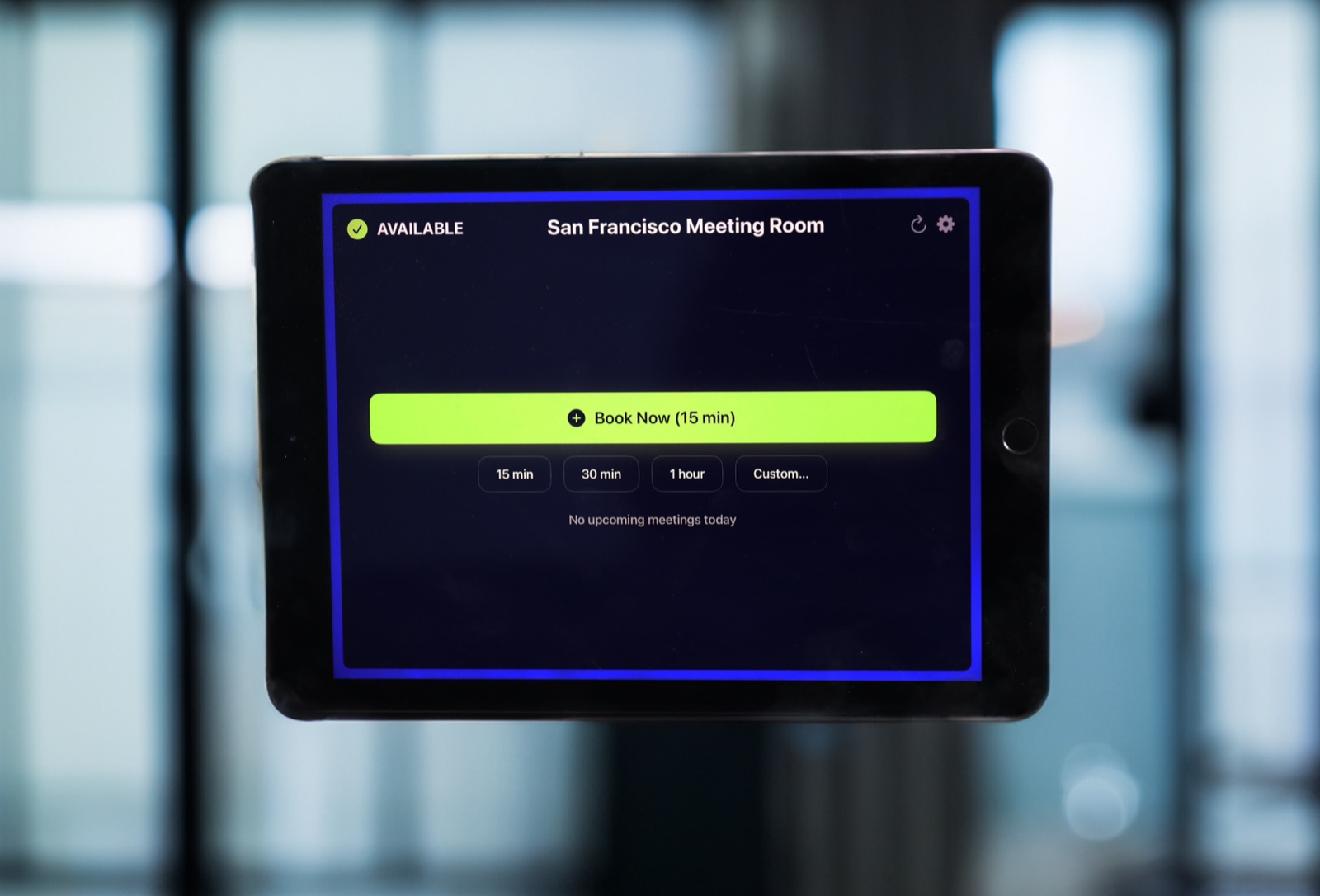
The Room Display shows one room's calendar on an iPad beside the door. The colored ring around the screen is red when the room is booked, and the screen shows the current booking, the organizer's name and the time left. With the lookahead set to "next 7 days", anyone walking past sees the whole pitch week at a glance. That's the job of a small piece of digital signage here: tell people the room is spoken for, so they don't wander in during a creative review.
Two more details matter in pitch week. Nobody can cancel a scheduled booking from the hallway, so a passer-by can't free your war room by tapping the screen. And on Microsoft 365, if your room mailbox replaces subjects with the organizer's name, the door shows the pitch lead's name, which is also fine for confidentiality.
It costs $99 per iPad, paid once. Dedicated room panels typically cost $400 to $1,300 each plus $8 to $42 per room per month.
When two pitches want the same room
It happens. A few rules settle it before it starts:
- Pitch date wins. The pitch happening sooner gets the war room for its final three days.
- Book early, then release. Whoever wins the brief books the room the day the brief lands, not the week before.
- The other team gets a fallback room. Often a smaller meeting room with whiteboard walls, booked the same way.
- Swap at a fixed time. If both teams share the room, the handover is at 1 pm with 30 minutes to clear the walls, booked as its own event.
When The Room Display isn't the right fit
- You need to lock the room. The display doesn't control door locks. If the boards are truly secret, use a room with a key.
- You want one screen for all your pitch rooms. One iPad shows one room. There's no overview screen.
- You need approval before anyone books the war room. That's a resource setting in Google Workspace or Microsoft 365 (restricted booking or delegates), not something the app does.
Frequently asked questions
How do I book a war room for a whole pitch week?
Create a daily recurring event from kickoff to pitch day, for example 8 am to 7 pm, with the room attached. Daily blocks are easier to adjust than one long event and free the room in the evenings.
How do I hide the client name on a meeting room display?
Use a code name in the title and mark the event private. The Room Display shows "Private Meeting" instead of the title for private events.
Will check-in release a multi-day room booking?
If check-in is on and nobody taps in when the booking starts, yes. Turn check-in off on the war room display during pitch week, or book daily blocks and have someone tap in each morning.
What if a recurring meeting already has the war room booked?
The room declines overlapping bookings, so you can't book over it. Ask the organizer to move that week's occurrence, then book your block.
Related guides
- Room Booking for Creative and Event Agencies: Client Rooms, Edit Suites and War Rooms
- How to Stop Meeting-Room Hoarding and Recurring-Meeting Bloat
- Room Display Privacy in Lobbies and Open-Plan Offices