Best Practices
Library Study Rooms
That Run Themselves
Put a booking display outside every library study room and makerspace. Students and staff see what
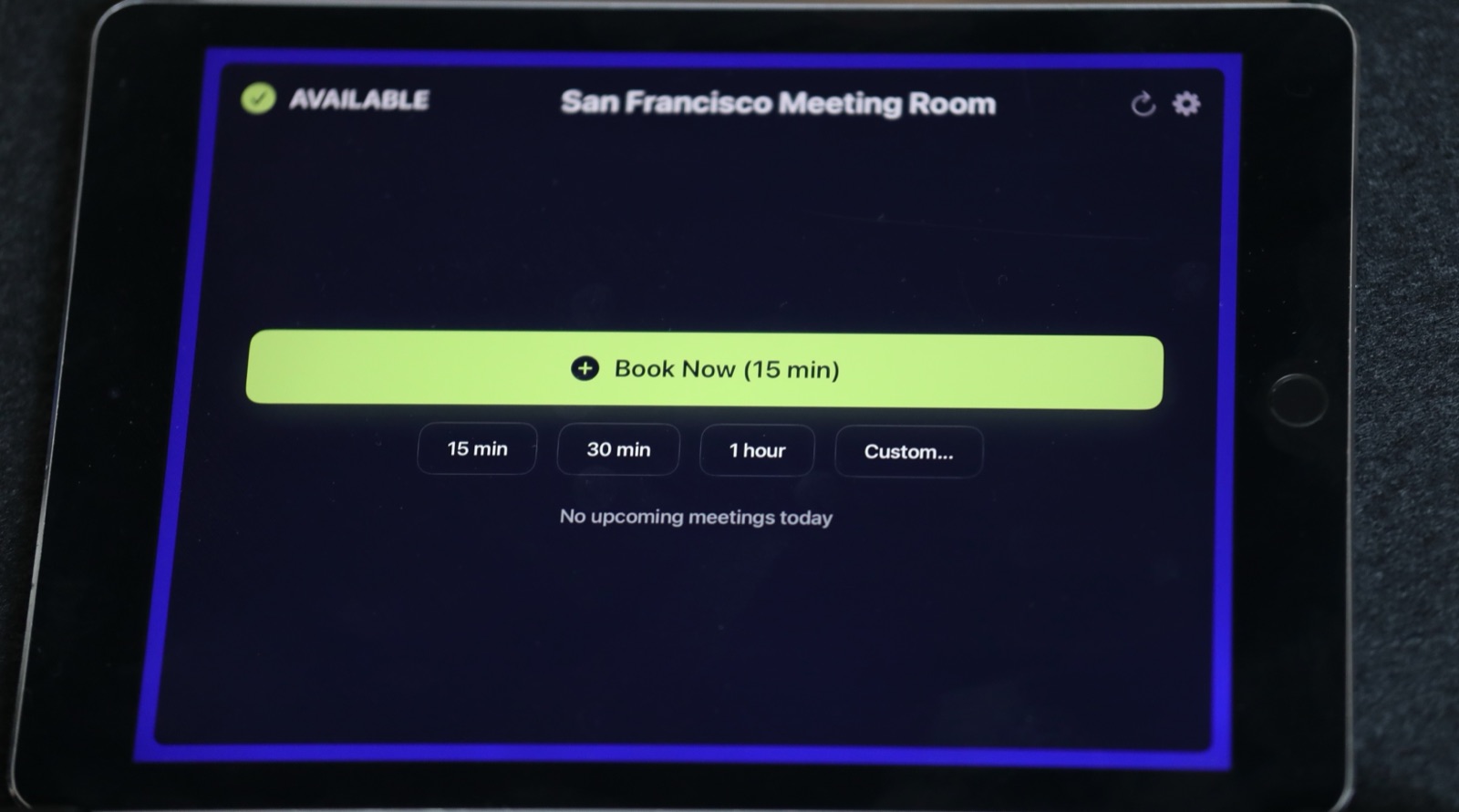
A library study room is free most of the day and fought over the rest of it. A small iPad display at each door fixes that. It shows if the room is free right now, what's booked later, and lets someone grab an empty slot on the spot. Your librarian stops being a human booking system.
Why study rooms get messy
I've talked with a lot of people who run shared spaces, and the story is always the same. Groups camp in a room because nobody knows it was booked. Other rooms sit empty because people assume they're taken. And every booking question ends up at the front desk.
Makerspaces have the same problem, plus equipment. If the 3D printer corner is booked for a robotics class, people need to know before they walk over.
How it works in a school library
- Each study room gets a display. Green means free, and the day's bookings are right there on the door.
- Bookings live in your normal calendar. Rooms are resources in Google Workspace or Microsoft 365, so staff book them like any meeting.
- Walk-up booking. Someone standing at an empty room can book the next half hour from the display. The booking lands in the room's calendar, so nobody books over it.
- Makerspace zones as resources. Book the space, a laser cutter or a recording booth the same way you book a room. Each iPad shows one resource, so give the display to the zone people walk up to. For equipment that doesn't need a screen, the calendar is enough. More on that in booking anything, not just rooms.
Who can book ahead in the calendar follows your Google Workspace or Microsoft 365 permissions. Walk-up booking at the door is open to whoever is standing there, which is usually what a library wants. If a room should never be grabbed on the spot, like a staff-only workroom, don't put a display on it.
Less front-desk traffic
The biggest win isn't the tech. It's that your library staff get their time back. When the answer to "is room 3 free?" is written on room 3, nobody needs to ask.
What it costs
A library with six study rooms plus a makerspace is seven displays. Add the meeting rooms around the building, and you're quickly at 20.
Frequently asked questions
Can students book rooms themselves?
That's up to you. Booking ahead in the calendar follows your Google Workspace or Microsoft 365 setup, so you control who can book. At the door, anyone can book a free room from the display for right now.
Can we use older iPads?
Often, yes. Any iPad that runs iPadOS 15 or later works. Retired iPads from a 1:1 program are a good fit.
How do we get the 50% school discount?
Buy 20 or more licenses in a single order in Apple School Manager. Apple applies the discount at checkout.
Related guides
- Room Booking for K-12 Schools: The 2026 Guide
- Google Workspace for Education Room Booking: Step-by-Step Setup (2026)
- Walk-In Meetings: Why Tap-to-Book at the Door Changes How Rooms Get Used