Best Practices
Counseling and IEP Rooms
Booking With Privacy in Mind
Keep sensitive meetings uninterrupted and private. A door display shows the room is in use and when it frees up. 50% off for schools with 20+ iPads.
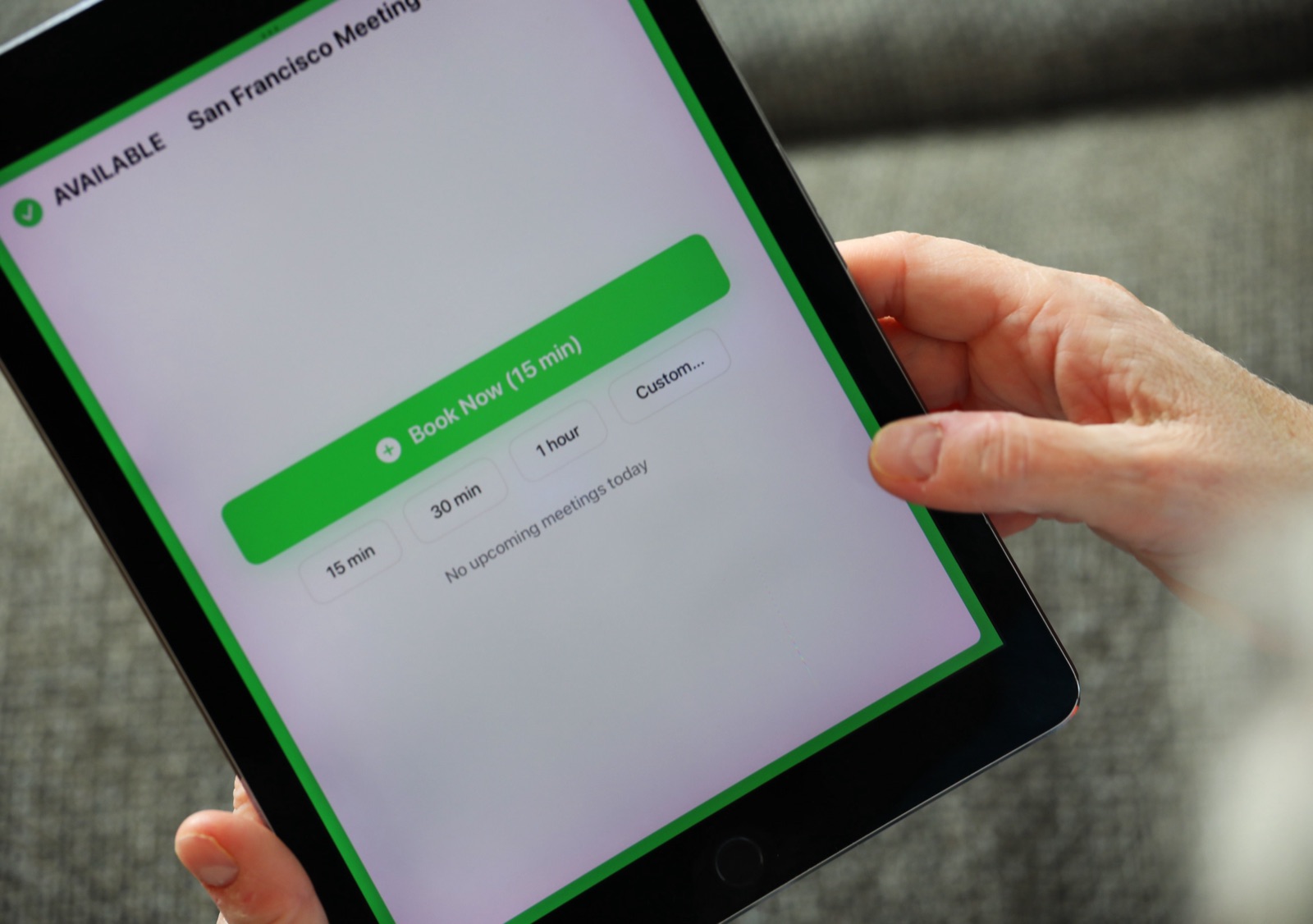
The rooms where a school has its most sensitive conversations are often the easiest to interrupt. A display on the door tells everyone the room is in use and when it's free, so the knock never happens.
The knock that shouldn't happen
Counseling sessions, IEP and 504 meetings, conversations with parents. These are the moments when a knock on the door does real damage. They're also often in shared rooms. The conference room used for an IEP at 9 might host a department meeting at 10.
How to set it up
- Make each shared meeting room a resource in Google Workspace or Microsoft 365.
- Put a display on the door. "In use until 2:15" is all anyone in the hallway needs to know.
- Keep titles off the door. The display shows the event title and organizer, so never put a student's name in the title. For IEP, 504 and counseling meetings, mark the event private in Google Calendar or Outlook. The door then shows "Private Meeting" instead of the title. The organizer's name still shows, which is usually fine for staff.
- Book buffer time. IEP meetings tend to run over. A 15-minute buffer in the booking keeps the next group from waiting at the door.
Put the title rule in the staff handbook. One line is enough: "Room booking titles are public. No student names."
Parent conference nights
The same setup helps on conference nights. Parents in the hallway can see which rooms are in use and when they free up, instead of hovering by a closed door. I wrote a full plan for that week in how to run parent-teacher conference week without double-booked rooms.
What it costs
Counseling offices, conference rooms and the front office meeting room add up fast across a district. That's where buying 20+ licenses at once makes the most sense.
Frequently asked questions
Can people see when the meeting ends?
Yes. The display shows when the current booking ends and what's next in the room.
Will the door show what the meeting is about?
Only if the title says it. Mark sensitive meetings private and the display shows "Private Meeting" instead of the title.
Can counselors keep their own office bookable?
Yes. Any room set up as a resource in your calendar can have a display.
How do we get the 50% school discount?
Buy 20 or more licenses in a single order in Apple School Manager. Apple applies the discount at checkout.
Related guides
- Room Booking for K-12 Schools: The 2026 Guide
- Should a Room Display Show the Meeting Title or the Organizer's Name?
- Buffer Time Between Meetings: How to End the Back-to-Back Room Handover Mess