Deployment
Apple Business Manager
How to Buy App Licenses for Company iPads
How to buy app licenses for company iPads in Apple Business Manager, pay for them, and assign them through MDM without an Apple Account on each iPad.
Short answer: In Apple Business Manager, open Apps and Books, search for the app, pick a location and a quantity, and pay. The licenses belong to your company. Your MDM assigns them to iPads by device, so no iPad needs its own Apple Account, and you can move a license to a new iPad later. Fifteen licenses of The Room Display cost $1,485, once.
Buying one app for one iPad is easy. Buying it for 15 iPads mounted around an office, in a way that survives staff leaving and hardware dying, is where companies get stuck. This guide is about that purchase: who owns the license, how you pay, and how it reaches the iPad. If you haven't set up Apple Business Manager and MDM yet, start with Apple Business Manager + MDM for room display iPads and come back.
Why buy through Apple Business Manager instead of an Apple Account?
Apple Business Manager is Apple's free web portal for organizations. It's where a company enrolls its Apple devices into an MDM and buys apps and books in volume. You sign in at business.apple.com.
The alternative is buying the app on the App Store with an Apple Account, either someone's personal account or a shared "displays" account. That works for one iPad. It gets messy fast.
| Apple Account purchase | Apple Business Manager purchase | |
|---|---|---|
| Who owns the license | The person or shared account | Your company |
| Apple Account needed on each iPad | Yes | No, with device assignment |
| Move the license to a new iPad | Only by signing in again | Revoke and reassign in the MDM |
| Silent install on supervised iPads | No | Yes, through MDM |
| When the buyer leaves the company | The licenses may leave too | Nothing changes |
| Receipts | Personal email inbox | Your Apple Business Manager account |
The shared account is the trap I see most. Someone creates displays@company.com, buys the app, signs it in on every iPad, and then nobody remembers the password or the two-factor phone. Apple Business Manager avoids that.
What do you need before you buy?
- An Apple Business Manager account. It's free. Apple verifies your organization, usually with a D-U-N-S number, and approval can take a few days.
- A role that can buy. Purchasing is limited to roles that are allowed to manage content. Your Apple Business Manager administrator can assign one.
- Accepted purchasing terms. Someone with the right role accepts Apple's terms for apps and books once, in the account's payment and billing settings.
- An MDM connected to Apple Business Manager. The licenses are useless until an MDM assigns them.
- A way to pay. A company credit card, or Volume Purchase credit (a prepaid balance you buy from Apple or an authorized reseller, usually with a purchase order). Which options you see depends on your country.
How to buy app licenses, step by step
- Sign in at business.apple.com with an account that's allowed to buy.
- Open Apps and Books in the sidebar.
- Search for the app, for example "The Room Display".
- Select it and choose a location. A location is a group in Apple Business Manager that holds licenses and connects to an MDM. Small companies usually have one.
- Enter the quantity. Buy one per iPad, plus any spares you plan to deploy soon.
- Pay with the card or Volume Purchase credit, and confirm.
- Check the licenses under the location. They're now available to your MDM.
Apple tweaks the labels in the portal from time to time, so the buttons may not match these words exactly. The flow doesn't change: find the app, choose location and quantity, pay.
How do the licenses reach the iPads?
- Your MDM syncs with the location. Most MDMs use a content token, a file you download in Apple Business Manager and upload into the MDM. After that, purchases show up in the MDM on their own.
- Assign the app to devices. Device-based assignment ties each license to an iPad's serial number. No one signs in.
- The MDM installs the app. On supervised iPads, it installs silently.
- Reassign when hardware changes. Retiring an iPad? Revoke its license and assign it to the replacement. You don't pay again.
The MDM can also push the app's settings. The Room Display supports managed app configuration, so the room's calendar address, theme and check-in rules can arrive with the app. On Microsoft 365, check-in needs Direct Room Access, which an admin grants to the iPad's account.
What it costs
There's no volume discount for businesses. Every license is $99, paid once, with lifetime updates and email support.
| iPads | One-time licenses | Typical panel subscriptions, per year |
|---|---|---|
| 5 | $495 | $900–$1,800 |
| 15 | $1,485 | $2,700–$5,400 |
| 30 | $2,970 | $5,400–$10,800 |
The right-hand column uses the typical $15–$30 per room per month that dedicated room panels charge, before the $500–$2,000 per panel in hardware.
Schools buy through Apple School Manager instead, and that does come with a discount: 20 or more licenses in one order get 50% off automatically, so $49.50 per iPad with no code or quote. The steps are in how schools buy iPad apps in bulk with Apple School Manager, and the numbers are on the pricing page.
If your procurement team is built around subscriptions and doesn't know what to do with a one-time App Store purchase, this guide to expensing a one-time app has the framing.
Where The Room Display fits
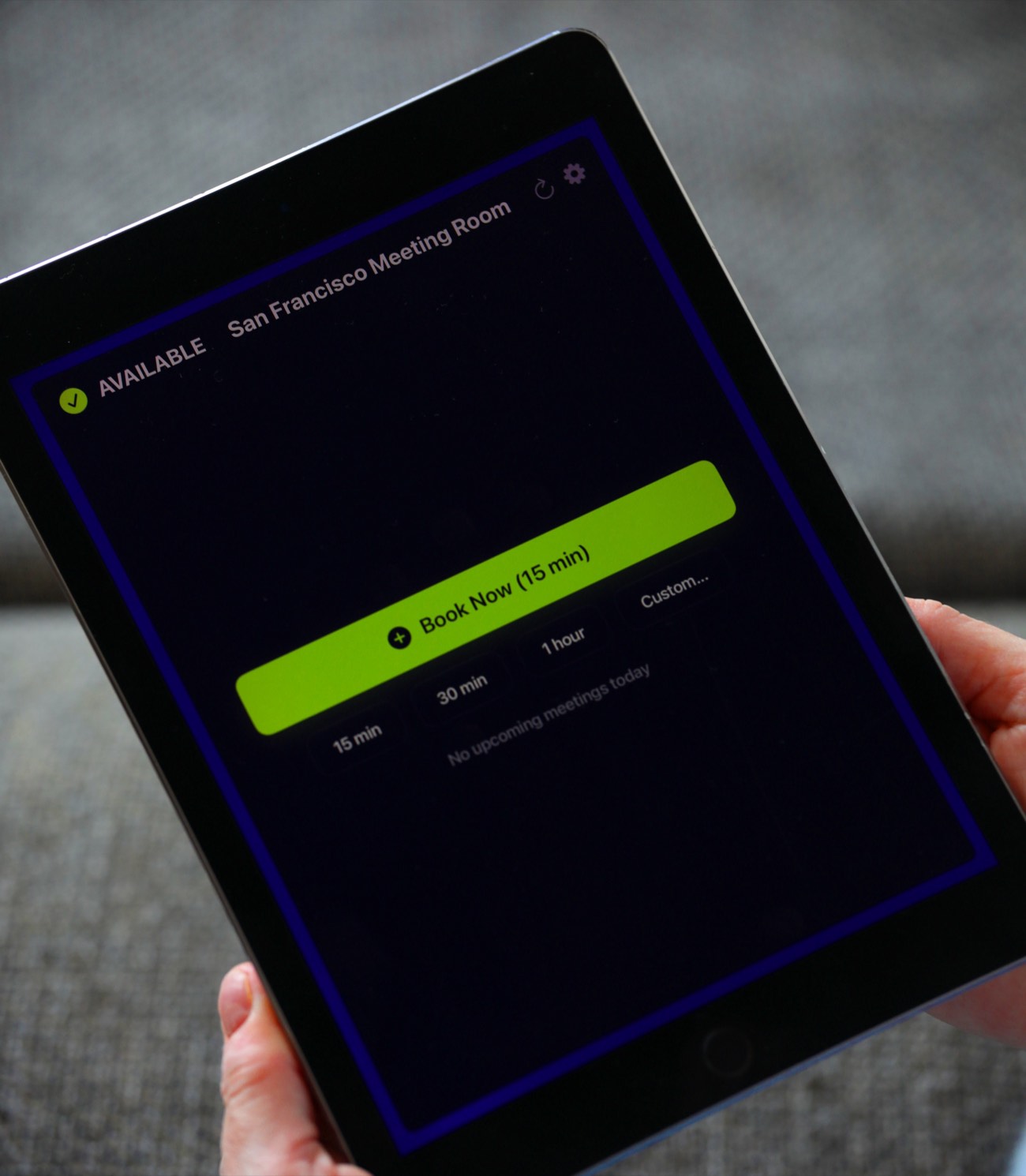
The Room Display turns an iPad into a small piece of digital signage at the meeting room door. It shows whether the room is Available, In Use or Ending soon, with a colored ring around the screen. It also shows the current meeting, the organizer, the time left and the upcoming bookings, refreshed every 30 seconds. Anyone at a free room can book it on the spot, and optional check-in releases bookings nobody shows up for.
It works with Google Workspace and Microsoft 365. Data goes straight between the iPad and Google or Microsoft, with no third-party booking cloud. Any iPad on iPadOS 15 or later works.
When The Room Display isn't the right fit
- You want a single screen that lists every room. One iPad shows one room's calendar. There's no overview screen.
- You only have one or two iPads and no MDM. Apple Business Manager still works, but buying on the App Store and using Guided Access is simpler at that size.
- You need occupancy sensors or utilization reports. The app has neither.
- Your calendars aren't in Google Workspace or Microsoft 365. The display reads those only.
Frequently asked questions
Do I need a D-U-N-S number for Apple Business Manager?
Usually, yes. Apple uses it to verify that your organization is real. Most registered companies already have one, and you can look yours up for free if you're not sure.
Does Apple Business Manager give a volume discount on apps?
Not for businesses. You pay the regular App Store price per license. Apple's 50% education discount for 20 or more licenses applies only to institutions buying through Apple School Manager.
Can I move a license from one iPad to another?
Yes. Licenses assigned to devices through MDM can be revoked and assigned to another device. That's how you handle a broken or retired iPad without buying again.
Can I use Apple Business Manager licenses without an MDM?
In practice, no. The MDM is what assigns and installs the licenses. If you only have one or two iPads and no MDM, buying directly on the App Store is the simpler route.
Related guides
- Apple Business Manager + MDM for Room Display iPads (Plain-English Guide)
- How to Expense a One-Time App When Procurement Expects a Subscription
- Subscription Sprawl: Audit Per-Device Software Before Renewal Season