Best Practices
Podcast Studio Booking
for Agencies and Brand Teams
Podcast studio booking for agencies and brand teams: book setup, recording and reset as one session, and keep the door closed during a take.
Short answer: Treat the podcast studio as a calendar resource in Google Workspace or Microsoft 365, and book each session with setup and reset time included. The producer books on behalf of guests, who never need an account. A display at the studio door, such as The Room Display, shows In Use with time left, so nobody opens the door in the middle of a take.
A podcast studio is a small room with an outsized cost. The acoustic panels, mics, interface and cameras often add up to more than the furniture in your biggest meeting room. Then someone opens the door during a recording to ask if they can take a call in there.
Who books a podcast studio, and how do they use it?
In an agency, the podcast studio rarely belongs to one team. In an in-house brand team, it's even more shared. A typical week looks like this:
| Who | Session type | Typical length | Booked how |
|---|---|---|---|
| Content producer | Full episode with an outside guest | 2 to 3 hours including setup | Ahead, from the calendar, with the guest on the invite |
| Social team | Short-form clips, reaction videos | 30 to 60 minutes | Mostly walk-up |
| Marketing | Webinar recording or product demo | 1 to 2 hours | Ahead |
| Sales or leadership | Thought-leadership interview | 1 hour | Ahead, booked by an assistant |
| Anyone | Voice-over pickup lines, a quiet call | 15 to 30 minutes | Walk-up |
The collisions happen where the long, planned sessions meet the short, spontaneous ones. Someone grabs the room for "just 20 minutes" at 1:45, and the guest who flew in for a 2:00 recording waits in the lobby.
Book the session, not just the recording
A podcast session has three parts, and only one of them is the recording:
- Setup. Mic placement, levels, camera framing, a test recording. Allow 20 to 30 minutes.
- Recording. The part on the guest's invite.
- Reset. Save and back up files, put the mics back, wipe the headphones, reset the chairs. Allow 15 minutes.
If the guest invite says 2:00 to 3:00, the studio booking should say 1:30 to 3:15. You can do this as one event, or as a separate "Setup" event right before the guest invite. One event is simpler. I go deeper on handover time in buffer time between meetings.
How to set it up in 6 steps
- Create the studio as a resource. In Google Workspace, add it under Buildings and resources. In Microsoft 365, create a room mailbox. Use a name people recognize, like "Podcast Studio".
- Describe it. Add the capacity (most studios seat two to four) and what's inside. People booking from Google Calendar or Outlook's Room Finder can see it.
- Producers book for guests. Guests don't need an account in your system. The producer creates the event, adds the studio and invites the guest by email. The guest sees an ordinary invitation.
- Write a title convention. "Recording: Episode 42" is fine. Skip the guest's name if it's sensitive, like an unannounced hire or a client who hasn't gone public yet.
- Mount a display outside the door. At eye height, on the handle side, on constant power and Wi-Fi.
- Set the lookahead to the next 72 hours. Producers walking past see today's and the next two days' sessions without opening a calendar.
Why does the door matter more here than anywhere?
A meeting room survives an interruption. A recording doesn't. One opened door means a retake, or a guest who loses their train of thought halfway through a good answer.
The Room Display puts a colored ring around the screen: green when the studio is free, red when it's in use, and an "Ending soon" state in the last few minutes. Under the status, it shows the booking title, the organizer's name and the time left. "Recording: Episode 42, 38 min left" tells a passer-by everything. It's the useful kind of digital signage: one answer, readable from across the hall.
One honest limit. The display shows the booking, not the microphones. It doesn't know whether you're live. If you already have an "On Air" light wired to your mixer, keep it. The display tells people the room is booked, and the light tells them you're rolling. They do different jobs.
Walk-up booking for the short stuff
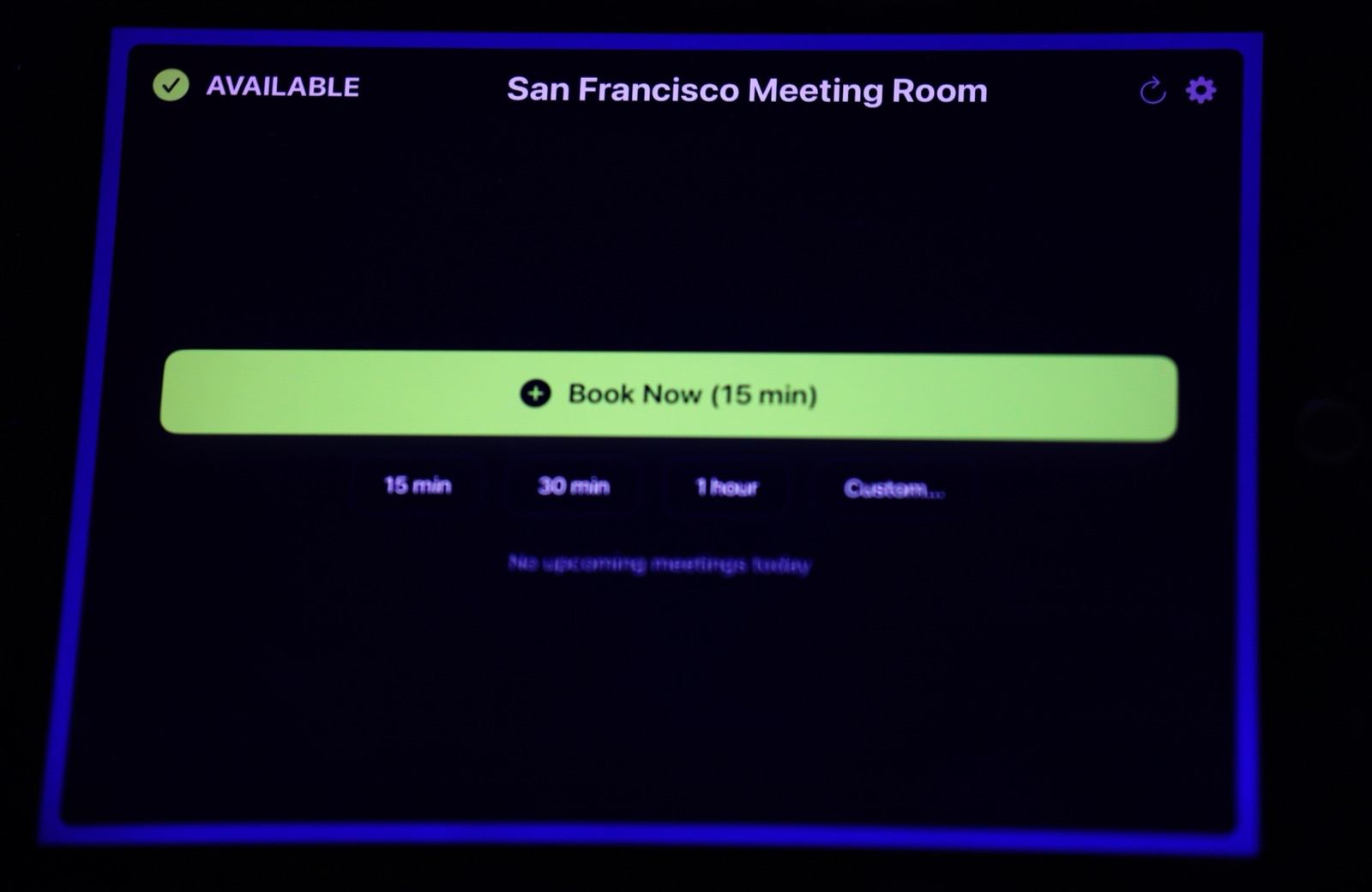
For the 15-minute voice-over pickup, nobody should have to open a laptop. At the door, someone taps "Book Now (15 min)" or picks 15 minutes, 30 minutes, 1 hour or Custom. The booking is written straight to the studio's calendar, so the next producer checking availability sees it. If someone taps by mistake, they can cancel a walk-up booking within 5 minutes.
Check-in for speculative bookings
Studios attract "just in case" bookings. A producer books Thursday afternoon in case the guest can move, and then the guest can't. Turn on check-in, and the display asks someone to tap in when the booking starts. If nobody does within 5, 10 or 15 minutes, the booking is released. For a studio, I'd choose 15 minutes, since setup can start late. More on how this works in meeting room check-in, explained. On Microsoft 365, check-in needs Direct Room Access, which an admin grants to the iPad's account.
The app costs $99 per iPad, one time. Dedicated room panels typically run $400 to $1,300 each, plus $8 to $42 per room per month. For one studio door, that difference buys a decent microphone.
Studio rules worth printing
Tape these inside the door, where people see them on the way out:
- Book setup and reset, not just the recording.
- Red on the screen means don't open the door. No exceptions.
- Guests are booked by a producer, never left to wait in the lobby for a free slot.
- Back up files before your booking ends. The next session starts on time.
- Put the mics, cables and headphones back exactly as you found them.
If the studio also hosts photo work, my post on booking the agency photo studio covers holds and build time for shared studios.
When The Room Display isn't the right fit
- You need guests to pick their own slot. Outside guests can't book your resources. Use a scheduling-link tool for the guest's time, then have the producer book the studio.
- You need the studio to start the recording. The app doesn't control mics, cameras, Zoom or Teams. It's a booking display.
- You rent the studio by the hour. No payments or invoicing.
- You want reports on studio use. There are no analytics dashboards. Your calendar history is the record.
Frequently asked questions
How do I book a podcast studio for a guest who isn't on our system?
The producer books the studio and invites the guest by email. The guest gets a normal calendar invitation and never needs an account in your Google Workspace or Microsoft 365.
How much setup time should I book before a podcast recording?
About 20 to 30 minutes for setup and 15 minutes for reset. Book them in the same event as the recording, so the studio is held for the whole session.
Can a room display replace an On Air light?
Not really. The display shows that the studio is booked and how much time is left. It doesn't know when the microphones are live. Many studios use both.
Can people book the podcast studio on the spot?
Yes. At the door, they can book 15 minutes, 30 minutes, 1 hour or a custom length starting now. The booking goes straight into the studio's calendar.
Related guides
- Booking the Agency Photo Studio Without the Slack Chaos
- Walk-In Meetings: Why Tap-to-Book at the Door Changes How Rooms Get Used
- Where to Mount a Meeting Room Display: Placement That Actually Works