Google Workspace
Google Service Account vs OAuth
Which to Choose for Room Displays
Compare the two Google auth methods The Room Display supports — service account with domain-wide delegation vs per-account OAuth — with a pros/cons table.
Short answer: use a service account if you are deploying many rooms, want unattended long-term operation, and have Google Workspace admin access — it authenticates once via domain-wide delegation and never needs a human to sign back in. Use OAuth if you have a handful of rooms, no appetite for admin console work, or you just want the fastest path to a working display — you sign in per iPad with a Google account. Both are secure; the choice is about scale and who owns the setup.
The Room Display supports two ways to connect to Google Calendar, and the setup screens make it easy to pick either. But they suit very different situations, and choosing wrong means either fighting the admin console for one room or babysitting sign-ins across fifty. Here is how to decide.
The two methods in one paragraph each
Service account. A service account is a non-human Google identity with a private key. With domain-wide delegation enabled in the Google Workspace Admin Console, it can read and write any room calendar in your organization without a person ever signing in. You configure it once, and every iPad uses it. This is the model built for fleets.
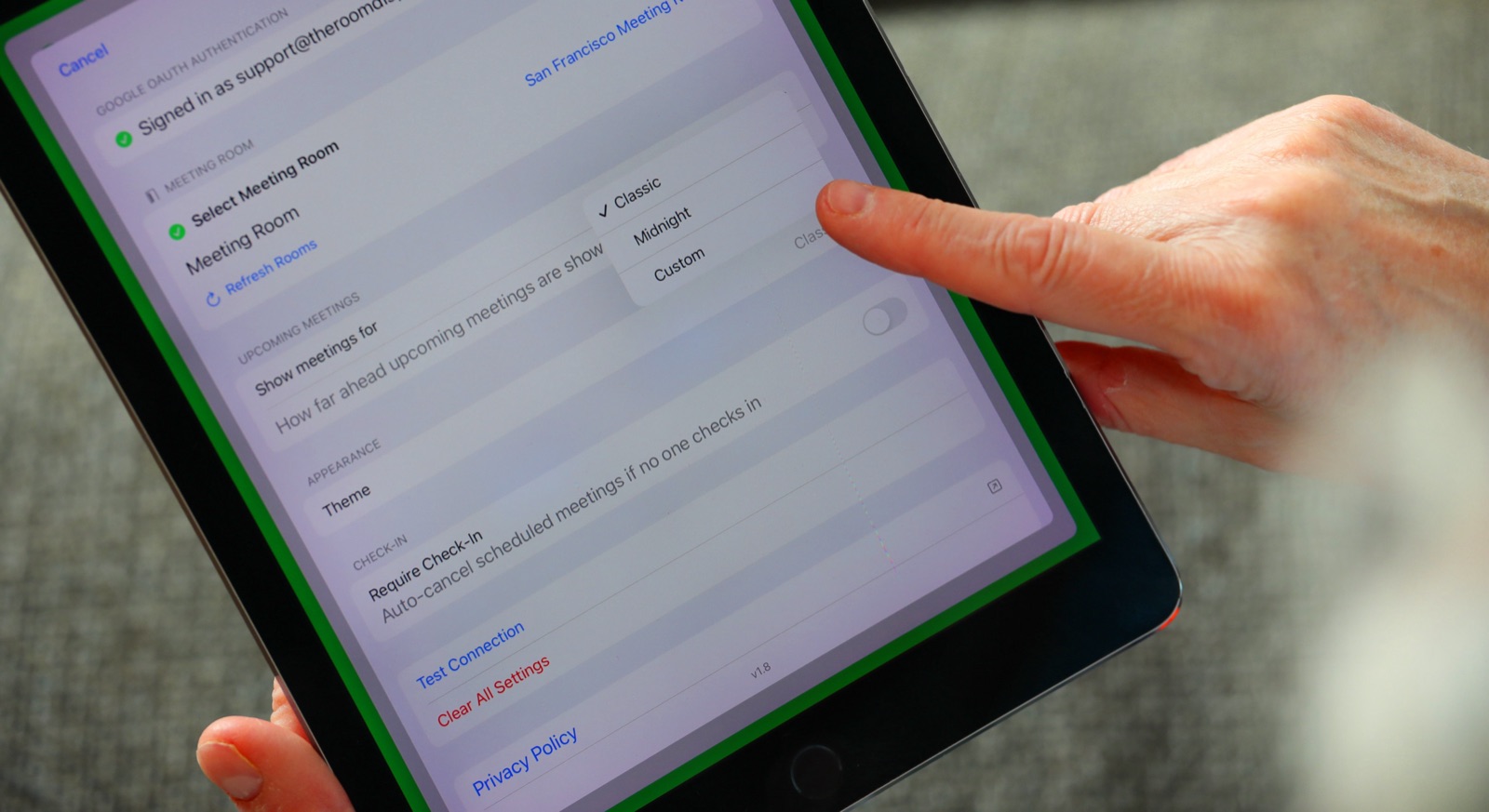
OAuth. OAuth is the familiar "Sign in with Google" flow. On each iPad you sign in with a Google account that has access to the room's calendar, approve the scopes, and you are live. No admin console, no private keys — but the credential is tied to a real account and its access.
Side-by-side comparison
| Factor | Service Account | OAuth |
|---|---|---|
| Best for | Many rooms, IT-owned rollouts | 1–10 rooms, quick setup |
| Requires Workspace admin | Yes (domain-wide delegation) | No |
| Setup effort | Higher, once | Low, per iPad |
| Unattended long-term | Yes — no re-auth | Sign-in may need occasional refresh |
| Fetches all rooms automatically | Yes (Admin SDK) | Limited to what the account can see |
| Credential type | Private key (JSON) | Account sign-in token |
| Revocation | Remove delegation / disable key | Revoke account access |
When to choose a service account
Pick the service account path if any of these are true:
- You are deploying more than a handful of rooms, especially across buildings.
- You want displays that run for years without anyone re-authenticating.
- You want the app to discover every room resource automatically — the service account uses the Admin SDK Directory API to enumerate all calendar resources in the domain, so you just pick each room from a list.
- Your IT team owns the deployment and is comfortable in the Google Workspace Admin Console.
The one-time cost is real: you create the service account in Google Cloud, enable the Calendar and Admin SDK APIs, and authorize its client ID with two scopes in the Admin Console. But you do it once for the whole fleet. Our Google Workspace booking guide walks through the console steps, and the room resources guide covers the resource side.
When to choose OAuth
Pick OAuth if:
- You have one room or a small office and want to be live in five minutes.
- You don't have or don't want Workspace admin involvement.
- You are piloting The Room Display before committing to a wider rollout.
- You prefer no private keys to store or manage.
The trade-off: OAuth ties each display to a signed-in account, and its visibility is limited to calendars that account can access. For a small setup that is a non-issue. For fifty rooms it becomes fifty sign-ins to maintain — which is exactly the pain the service account removes.
Security considerations
Both methods are sound. The nuances:
- Least privilege. A service account only holds the two scopes you grant it — calendar access and read-only room-resource directory access. It is not a super-admin. Domain-wide delegation is scoped to exactly those scopes.
- Key handling. The service account's private key is sensitive. The Room Display stores it in the iOS Keychain, not plain settings. Treat the JSON file the way you would any secret — deliver it securely (the app supports AirDrop import) and don't email it around.
- Local-only architecture. Whichever method you choose, the app talks directly to Google — there is no third-party cloud in the middle storing your calendar data or your credentials. That is a genuine privacy and GDPR advantage over SaaS room-booking platforms. More on the security model in room display security.
- Revocation is clean. Disable the service account key or remove its delegation to cut off every display at once; revoke an account's access to cut off its OAuth displays.
A simple decision rule
If you are an IT admin rolling out rooms across an organization, use a service account — the up-front console work pays for itself immediately and the fleet runs itself afterward. If you are a small team or an office manager wiring up a few rooms yourself, use OAuth and get on with your day. You can always start on OAuth for a pilot and move to a service account when you scale — see rolling out 10–50 rooms without an IT project.
Frequently asked questions
Is a service account more secure than OAuth?
Neither is inherently more secure. A service account is scoped to exactly the two calendar/directory scopes you grant; OAuth is tied to a real account's access. The key with a service account is protecting its private key, which the app keeps in the Keychain.
Does Microsoft 365 have a service account option too?
No. Microsoft 365 uses OAuth via the Microsoft Graph API only — there is no Microsoft service-account equivalent. Service accounts are a Google Workspace feature.
Can the service account see rooms nobody has subscribed to?
Yes — that is a key advantage. It uses the Admin SDK Directory API to list all calendar resources in the domain, not just calendars a user has added, so every room shows up automatically.
Do I need Google Workspace admin rights for OAuth?
No. OAuth is per-account sign-in and needs no admin console changes, which is why it suits small setups. Service accounts require admin access to enable domain-wide delegation.
Can I switch methods later?
Yes. You can start with OAuth for a pilot and reconfigure the displays to use a service account when you scale up, or vice versa. The room and its bookings are unaffected.
Related guides
- Google Workspace Meeting Room Booking Guide
- Google Calendar Room Resources Guide
- Managing Google Calendar Room Resources at Scale